

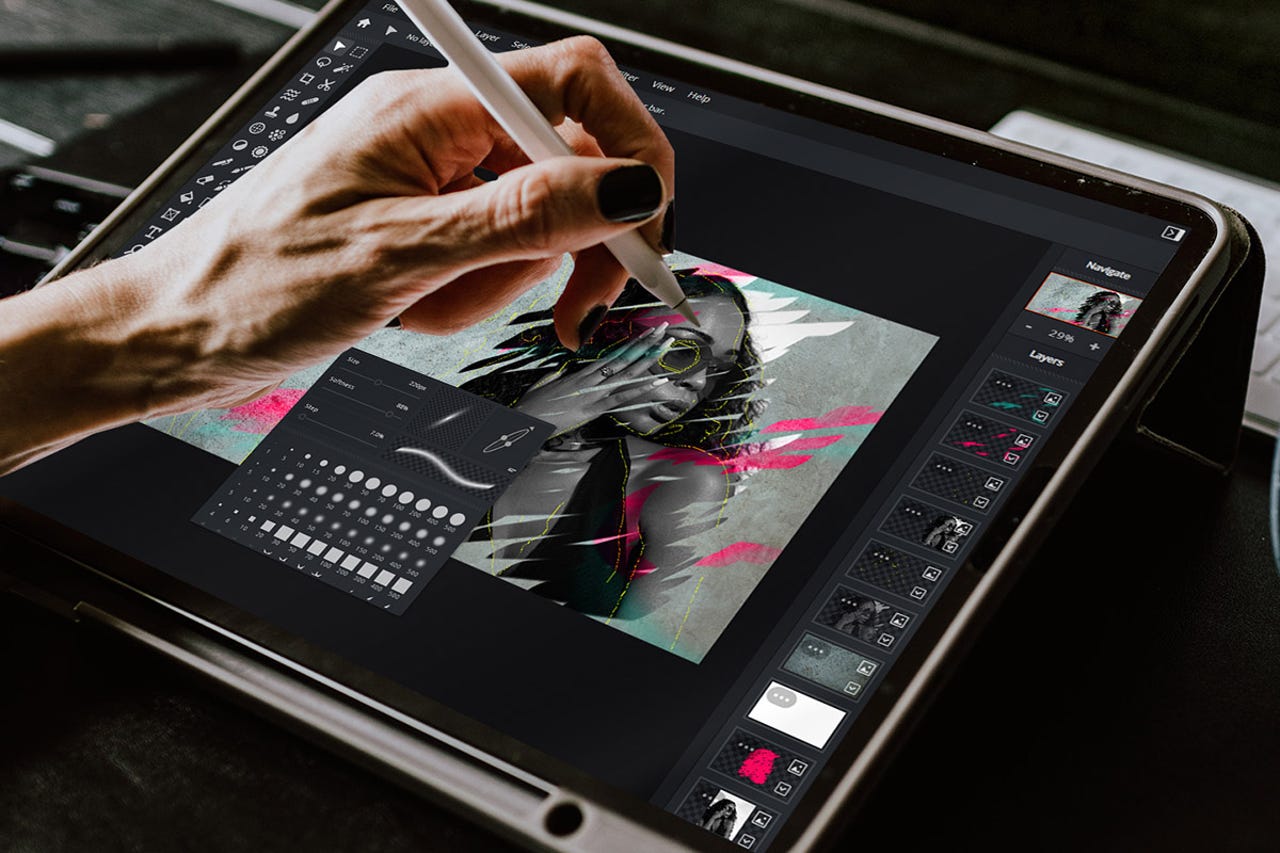
Pixlr has revolutionized the way we think about photo editing, offering a suite of powerful tools that cater to beginners and professionals alike. This online platform combines ease of use with advanced capabilities, making it possible to enhance photos, create designs, and even craft artistic masterpieces right from your web browser. In this article, we’ll explore key tips, tricks, and tutorials that can help you unlock the full potential of Pixlr, enhancing your photo editing skills and workflow.
1. Navigating the Pixlr Interface
Start by getting acquainted with the Pixlr interface. Whether you choose Pixlr X for straightforward tasks or Pixlr E for more elaborate projects, understanding where tools are located and how they function is the first step to efficient editing. Take advantage of the customizable workspace by arranging panels and toolbars in a way that suits your workflow.
2. Mastering the Basics
Before diving into complex edits, mastering basic adjustments is crucial. Learn how to crop, resize, and rotate your images for optimal composition. Familiarize yourself with the adjustment sliders for brightness, contrast, saturation, and sharpness to quickly enhance your photos. These fundamental skills serve as the foundation for more advanced techniques.
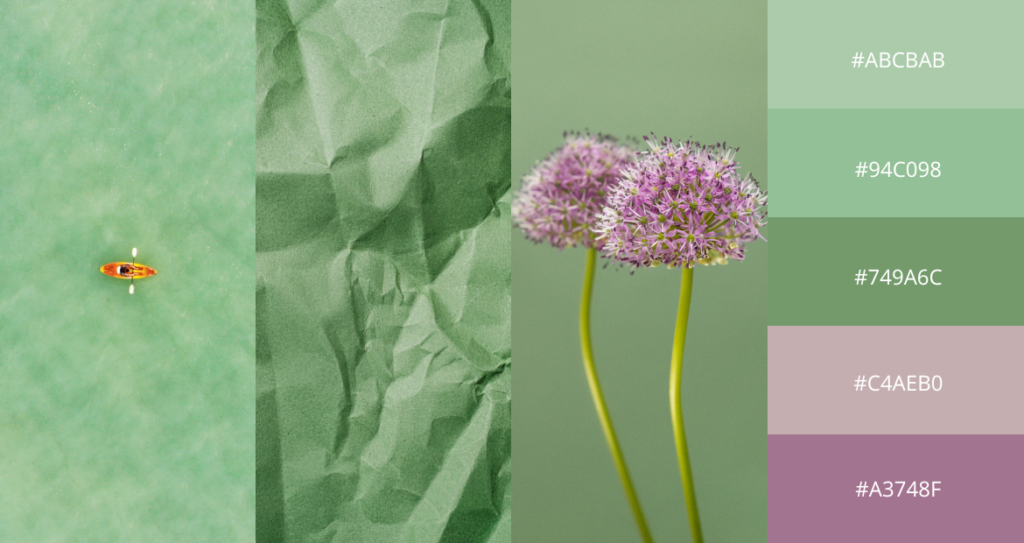
3. Layer Management
Layers are an essential component of sophisticated editing. Pixlr allows you to work with layers similarly to desktop applications. Understanding how to add, hide, and manipulate layers will give you greater control over complex compositions. Learn to use layer masks to blend images seamlessly and apply adjustments to specific parts of your image without affecting others.
4. Utilizing Advanced Editing Tools
Explore Pixlr’s range of advanced tools like the clone stamp, healing brush, and dodge and burn. These tools can be pivotal in retouching images, allowing you to remove blemishes, duplicate elements, or adjust lighting with precision. Practice using these tools with the help of detailed tutorials to refine your technique.
5. Creative Use of Filters and Effects
While basic filters can enhance a photo in simple ways, using advanced filters and effects creatively can truly transform your images. Experiment with overlays, borders, and artistic effects to add unique touches to your photos. Combine multiple effects to create custom looks, and adjust their intensity for subtle or dramatic results.
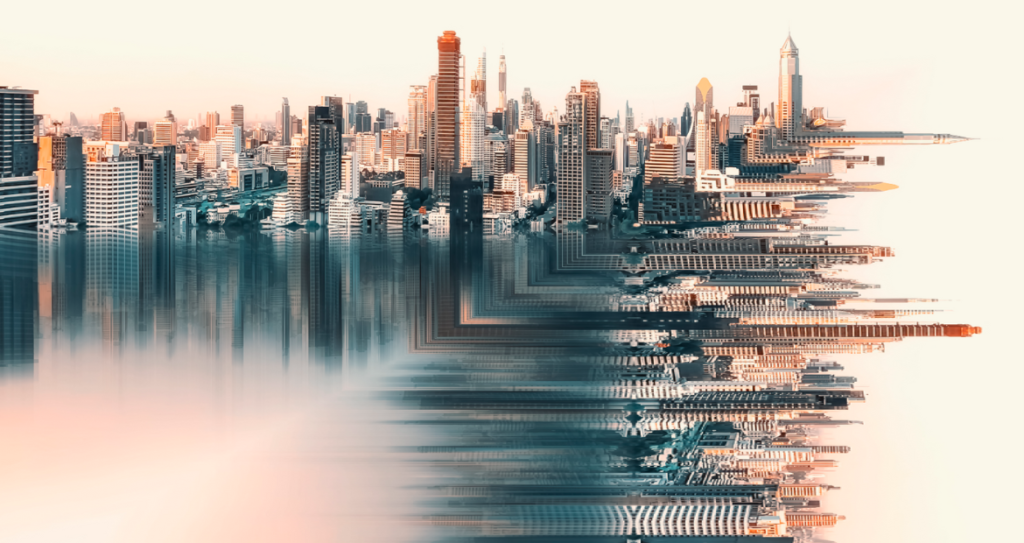
6. Color Correction Techniques
Color correction is vital for creating visually appealing images. Learn how to use Pixlr’s color tools such as the hue/saturation adjustments, color balance, and curves. These tools allow you to fine-tune the colors in your image, correct color casts, and enhance overall mood.
7. Designing with Text and Graphics
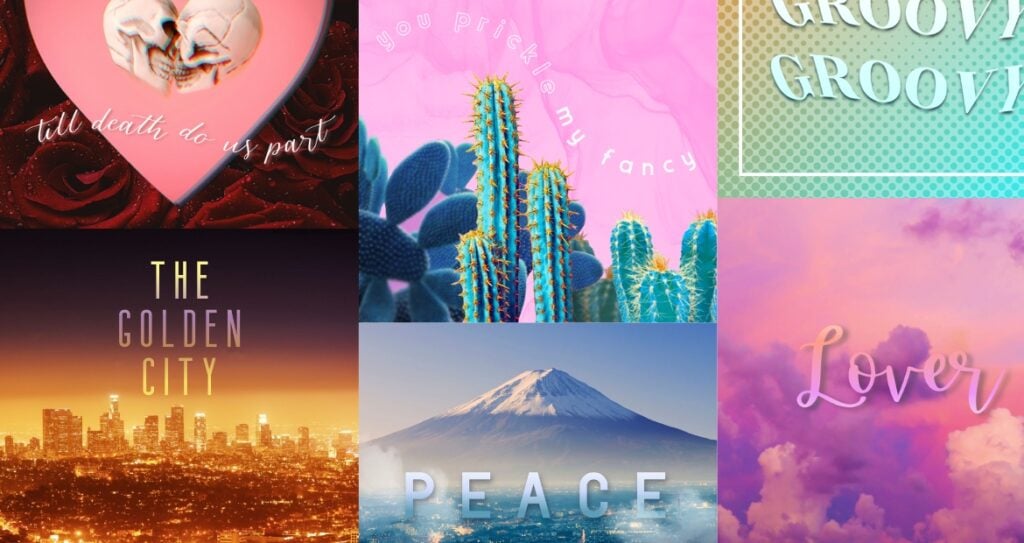
Pixlr also offers extensive features for adding text and graphics to your images. Whether you’re creating social media posts, advertisements, or web graphics, understanding how to incorporate text and vector shapes will enhance your designs. Explore different fonts, adjust typography settings, and learn to layer text over images for impactful designs.
8. Learning through Tutorials
To really master Pixlr, take advantage of the plethora of tutorials available online. From basic guides to advanced project-based tutorials, there’s a wealth of knowledge that can help you improve your skills incrementally. Video tutorials can be particularly helpful for visual learners, providing step-by-step instructions that you can follow at your own pace.
Pixlr offers a powerful set of tools that can take your photo editing and design projects to new heights. By exploring these tips, tricks, and tutorials, you can unlock the true potential of this versatile platform, transforming your digital images from simple pictures to stunning visual statements. Whether you’re editing photos for a blog, designing marketing materials, or just enhancing personal photos, Pixlr provides all the tools you need to achieve impressive results with ease.