

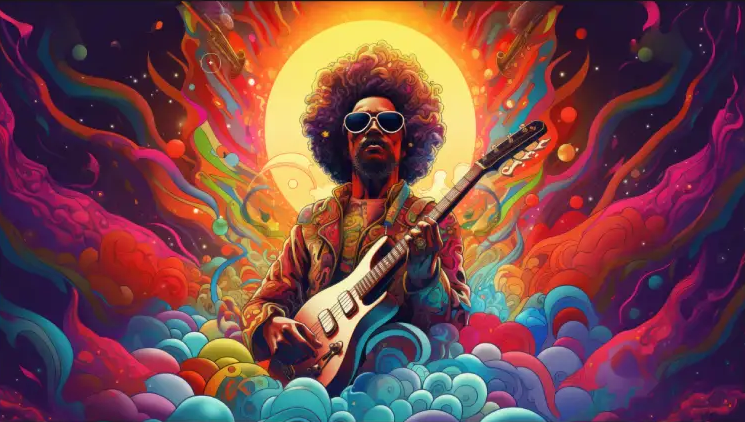
In the digital age, where visuals play a critical role in how we communicate and express ourselves, having the right tools to enhance and transform photos is essential. Pixlr emerges as a powerful online photo editor that caters to both novices and seasoned professionals. This article delves into the advanced techniques that can help you master photo editing with Pixlr, transforming your images into professional-quality visuals.
1. Harnessing Layers for Complex Edits
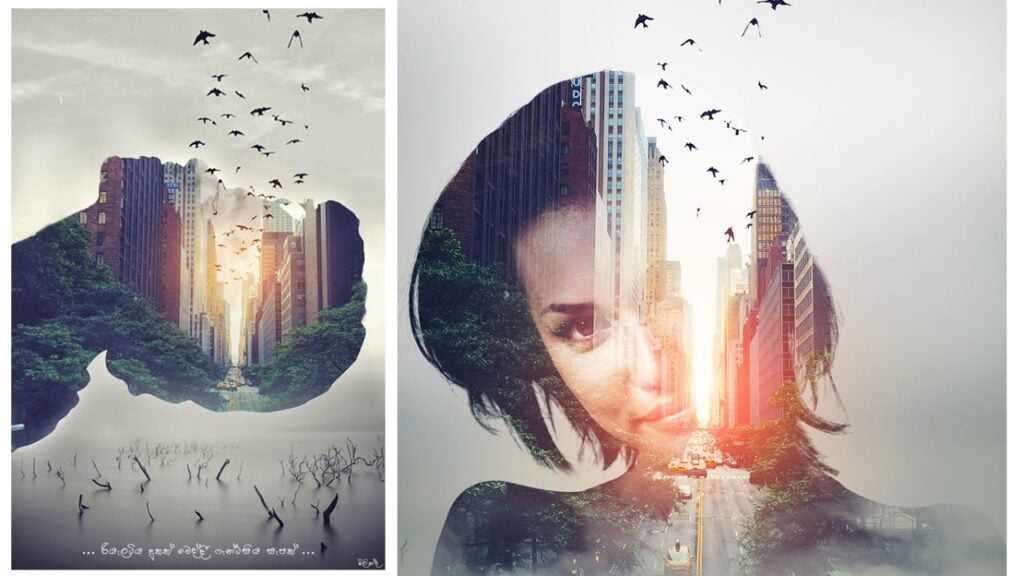
One of Pixlr’s most powerful features is its layer-based editing, which is akin to what you’d find in professional software like Adobe Photoshop. Understanding how to effectively use layers can significantly enhance your editing capabilities. Start by experimenting with adding multiple layers to your projects, which will allow you to blend images, apply effects selectively, and adjust your edits without altering the original image. Utilizing layer masks and adjustment layers can also help you perform non-destructive edits, meaning you can revise your edits any time.
2. Utilizing Professional Blending Modes
Blending modes in Pixlr are essential for creatives looking to achieve unique effects by merging two layers together. These modes control how layers interact with each other and can be used to fix exposure, enhance saturation, or create complex, visually appealing composites. Experiment with different modes like Multiply for darkening images, Screen for lightening, or Overlay to add depth and texture.
3. Advanced Retouching Techniques
Pixlr offers a suite of retouching tools that can help refine your photos. Use the clone stamp tool to cover up imperfections or duplicate elements within your photo. The healing tool is perfect for removing blemishes or small distractions from images. For portrait photography, use the dodge and burn tools to highlight facial features or add contouring, enhancing the photo’s overall impact.
4. Creative Filters and Effects
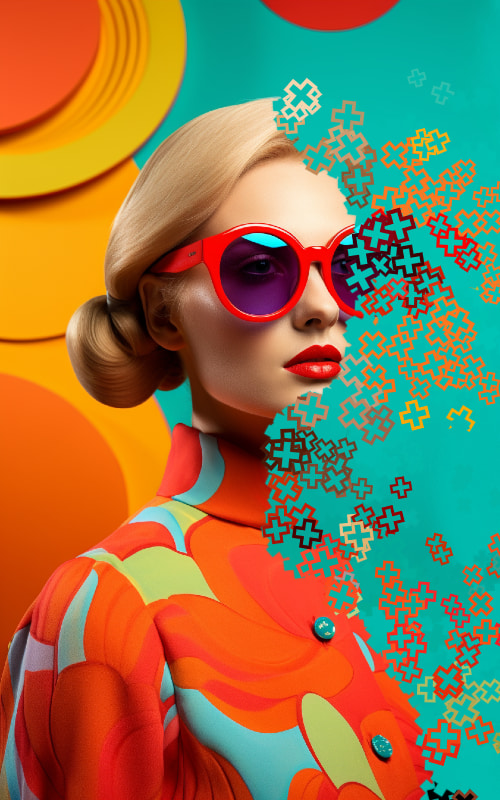
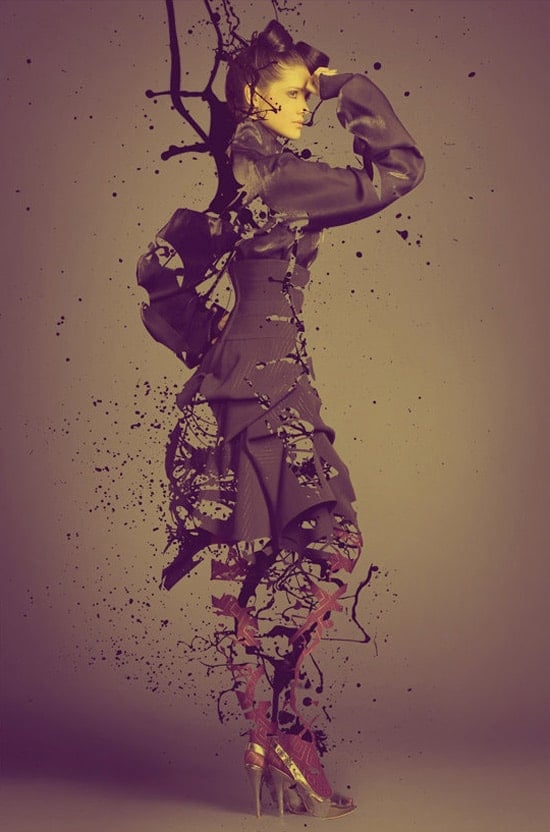
While filters can sometimes be overused, applying them thoughtfully can elevate your photographs. Pixlr provides a variety of artistic filters and effects that can transform your images into different art styles or add special effects like light leaks, glows, or vintage looks. For more control over the final outcome, combine these filters with other editing techniques, adjusting their opacity and blending them with original layers.
5. Color Correction Mastery
Mastering color correction with Pixlr can greatly improve the mood and feel of your photos. Use the color adjustment tools to change hues, saturation, and brightness. Advanced features like Curves and Levels allow for precise control over the color grading, helping to achieve a balanced look or a specific atmospheric effect. These tools are particularly useful in landscape photography, where enhancing natural colors can make a dramatic difference.
6. Typography and Graphic Elements
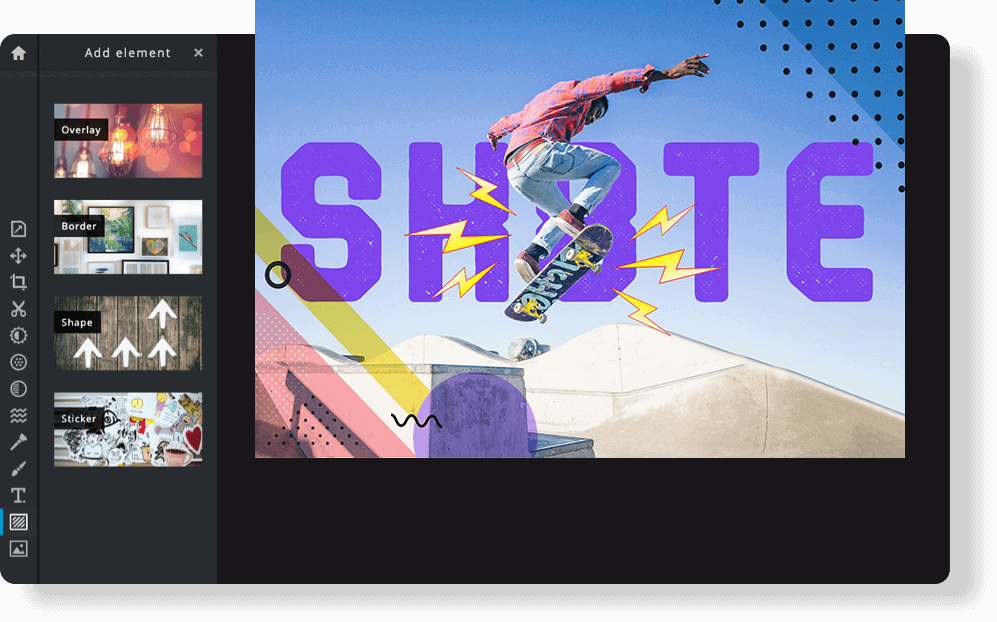
Adding text and graphic elements can turn a simple photo into a standout piece of content. Pixlr allows for the integration of text with full control over font, size, color, and placement. This is especially useful for creating advertisements, social media posts, or any visual content where messaging is key. Combine text with other elements like shapes or icons to produce eye-catching designs.
Conclusion
Pixlr offers a robust set of tools that can elevate your photo editing to professional levels. By mastering these advanced techniques, you can unleash your creative potential and transform your images into captivating artworks. Whether you are a budding photographer or an experienced designer, Pixlr gives you the power to create stunning visuals right from your web browser. Practice these skills, experiment with new ideas, and watch as your photos transform from good to great.