

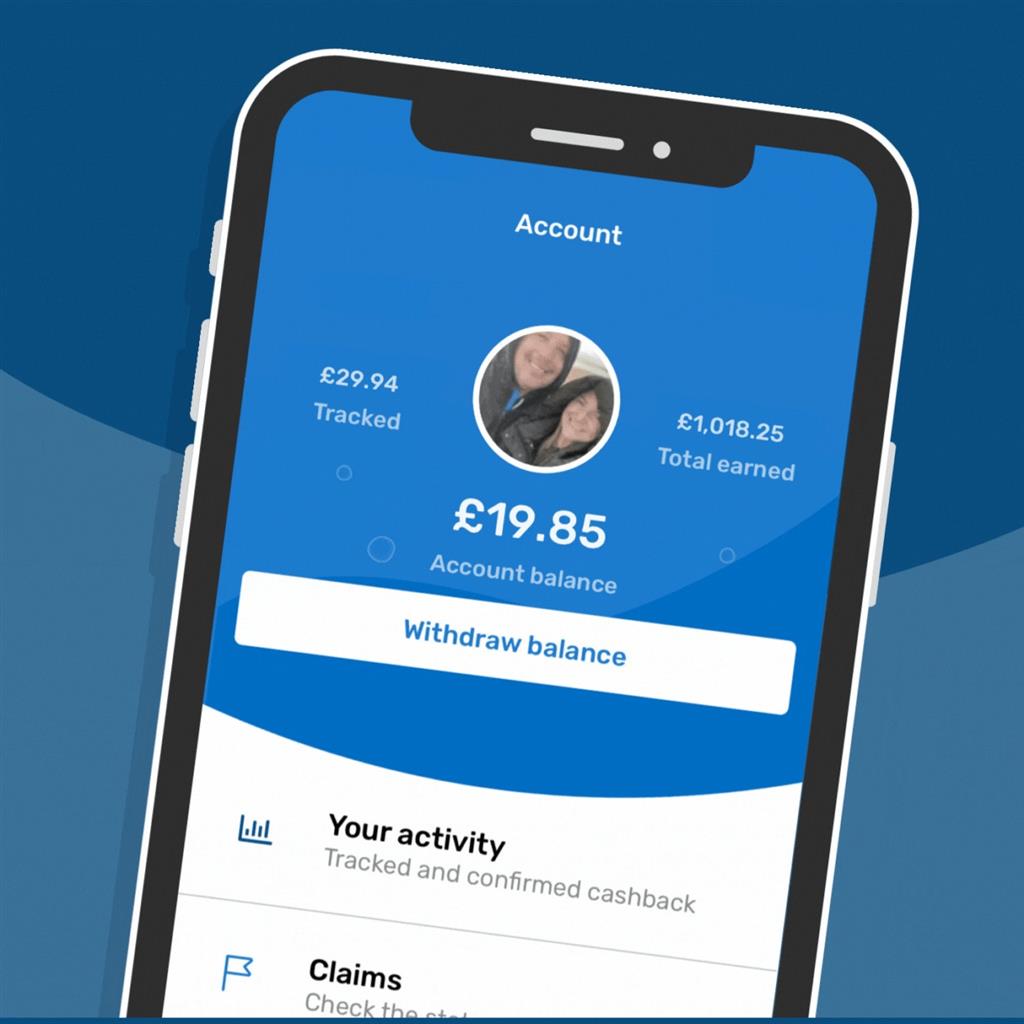
Using Quidco to earn cashback on your purchases is a straightforward process, but understanding how to track and withdraw your earnings can help you make the most of this cashback platform. Here’s a step-by-step tutorial to guide you through the process.
Step 1: Sign Up and Log In
To start earning cashback, you need to create an account on Quidco. Visit Quidco’s website and sign up with your email address. Once registered, log in to your account to access all features.
Step 2: Make Purchases Through Quidco
Before you shop online, search for the retailer on Quidco. Click on the retailer’s link to be redirected to their website. Complete your purchase as usual, ensuring that you do not navigate away from the retailer’s site during the transaction. This step is crucial for tracking your purchase correctly.
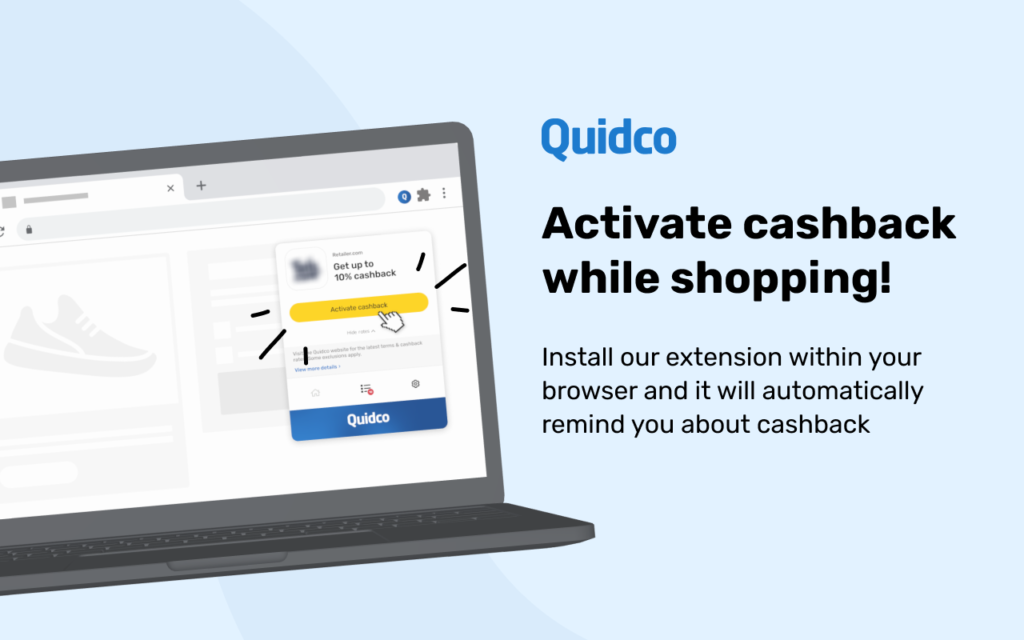
Step 3: Track Your Cashback
After completing your purchase, you can track your cashback by following these steps:
- Log In to Your Quidco Account: Go to Quidco’s website and log in.
- Access Your Activity Page: Click on “Your Activity” to view your recent transactions. Here, you can see the status of your cashback (e.g., tracked, confirmed, payable).
Understanding Cashback Statuses
- Tracked: Your purchase has been recorded, and the retailer is processing the cashback.
- Confirmed: The retailer has validated your purchase, and the cashback is confirmed.
- Payable: Your cashback is ready to be withdrawn.
Step 4: Ensure Your Purchase is Tracked
To ensure your purchase is tracked:
- Disable Ad Blockers: Make sure ad blockers are turned off when shopping through Quidco.
- Clear Cookies: Clear your browser’s cookies before making a purchase.
- Use One Browser Session: Complete your purchase in the same browser session without visiting other websites.
Step 5: Withdraw Your Cashback
Once your cashback status changes to “payable,” you can withdraw your earnings. Follow these steps:
- Go to the Payments Page: Navigate to the payments section of your Quidco account.
- Select Withdrawal Method: Choose your preferred method of withdrawal (bank transfer, PayPal, or gift card).
- Enter Payment Details: Ensure your payment details are correct and up-to-date.
- Withdraw Cashback: Click the withdraw button next to your chosen method. Depending on the method, it may take a few days for the payment to reach you.
Withdrawal Methods
- Bank Transfer: Direct deposit into your bank account.
- PayPal: Transfer to your PayPal account.
- Gift Cards: Redeem your cashback as a gift card, often with a bonus percentage.
Step 6: Monitor Your Account
Regularly check your Quidco account to monitor your cashback earnings and ensure all transactions are correctly tracked. If there are any issues, Quidco’s support team can assist you.
Tips for Maximizing Your Cashback
- Check for Offers: Regularly check Quidco for new cashback offers and boosted rates.
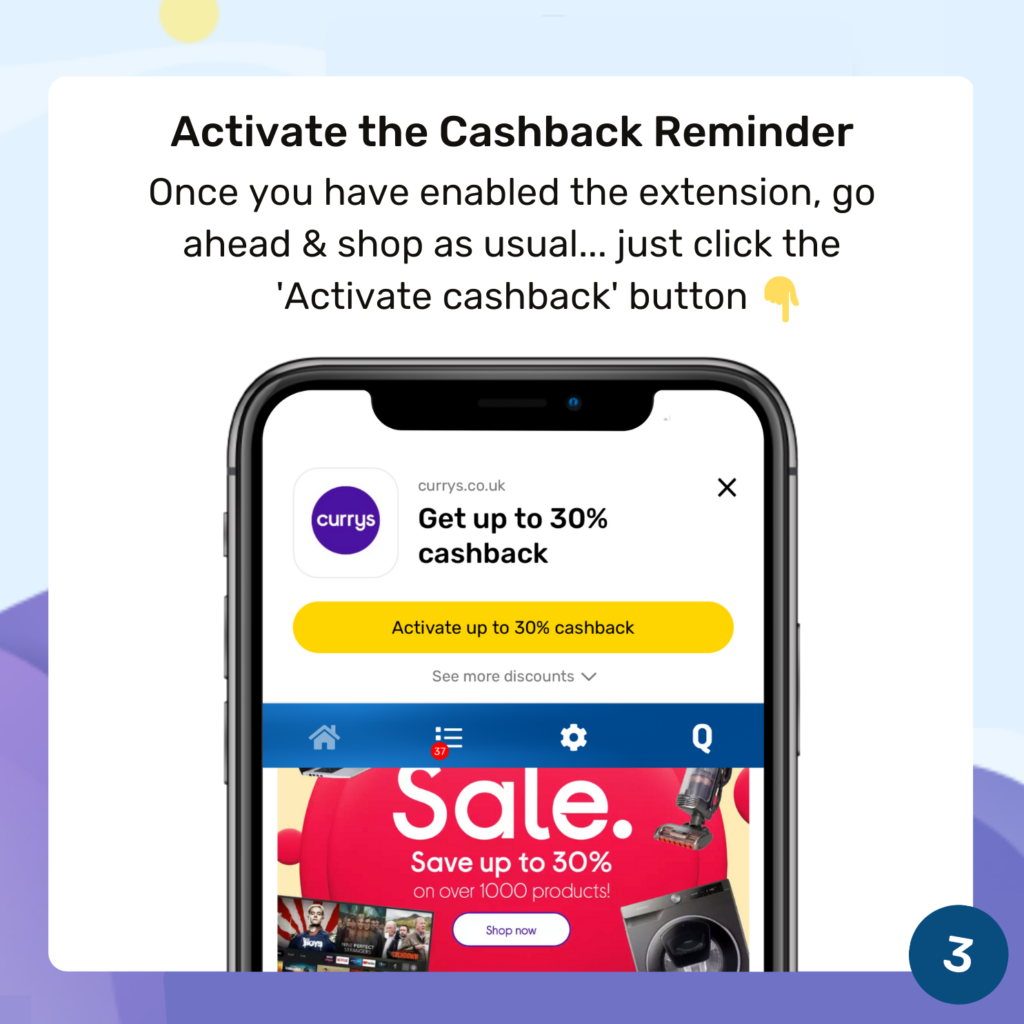
- Use the Quidco App: Download the app for on-the-go tracking and notifications.
- Refer Friends: Earn extra cashback by referring friends to join Quidco.