


In today’s economy, finding ways to save money on everyday purchases is essential. Quidco, a leading cashback website, offers a fantastic opportunity to earn money back on your spending. This comprehensive guide will help you navigate Quidco and maximize your savings effectively.
Getting Started with Quidco
What is Quidco?
Quidco is a cashback platform that partners with thousands of retailers. When you make a purchase through Quidco, you earn a percentage of your spending back as cashback. This cashback is paid by the retailer to Quidco, who then passes it on to you.
How to Sign Up
Signing up for Quidco is simple:
- Visit Quidco’s website.
- Click on the “Join” button.
- Fill in your details to create an account.
Once registered, you can start earning cashback on your purchases immediately.
Finding the Best Deals

Using Quidco as a Search Engine
Before making any purchase, visit Quidco and search for the retailer or product you are interested in. Quidco offers cashback on a wide range of categories, including travel, insurance, electronics, and fashion.
Flash Sales and Boosted Cashback
Keep an eye out for flash sales and boosted cashback offers. These promotions can significantly increase the amount of cashback you earn. Check Quidco’s homepage regularly or sign up for email alerts to stay updated on these deals.
Withdrawing Your Cashback
Payment Options
Once your cashback is confirmed, you can withdraw it in several ways:
- Bank Transfer: Directly to your bank account.
- PayPal: Transfer to your PayPal account.
- Gift Cards: Choose to receive your cashback as a gift card, often with a bonus percentage.
To withdraw, go to your Quidco account’s payments page, select your preferred method, and follow the instructions.
Making Purchases through Quidco
Steps to Earn Cashback
- Log in to Quidco: Always start your shopping journey by logging into your Quidco account.
- Search for the Retailer: Use the search bar to find your preferred retailer.
- Click through to the Retailer’s Site: Click the retailer’s link on Quidco to be redirected to their website. This ensures your purchase is tracked.
- Complete Your Purchase: Shop as usual and complete your transaction.
Tracking Your Cashback
After making a purchase, your transaction should appear in your Quidco account within a few days. It will show as “tracked” until the retailer confirms the purchase, after which it will change to “confirmed.”
Tips for Maximizing Cashback
Regularly Check for Offers
Retailers frequently update their cashback offers. Regularly checking Quidco can help you catch the best deals.
Use the Quidco App
Download the Quidco app to track your cashback on the go and receive notifications about new offers and boosted cashback rates.
Combine Cashback with Discounts
Look for ways to stack savings by combining cashback with retailer discount codes or sales. This can maximize your total savings on a purchase.
Refer Friends
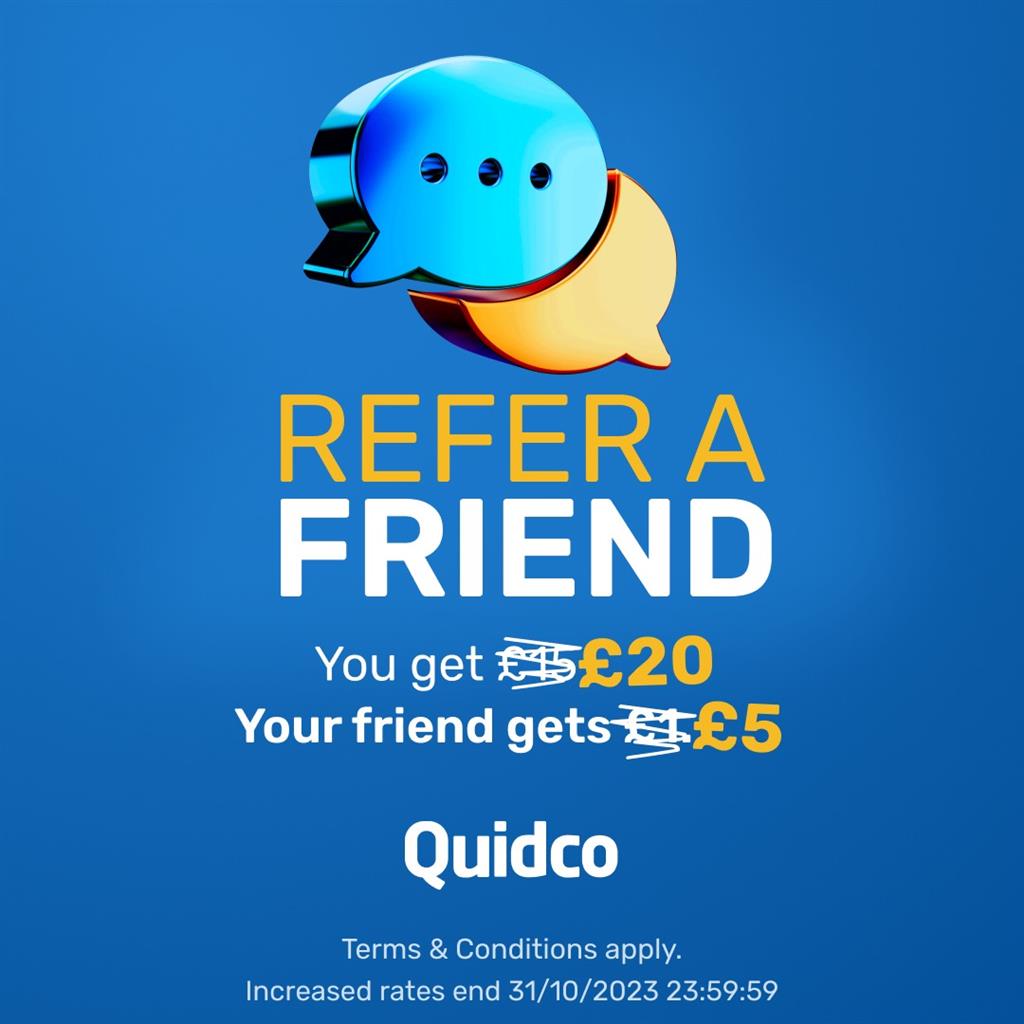
Quidco offers referral bonuses when you invite friends to join. Sharing your referral link can earn you additional cashback.
Common Pitfalls and How to Avoid Them
Ensuring Purchases are Tracked
To ensure your purchases are tracked:
- Disable ad-blockers before using Quidco.
- Clear your browser cookies regularly.
- Always click through Quidco to the retailer’s site without visiting other sites in between.
Understanding Cashback Terms
Read the terms and conditions for each cashback offer. Some retailers have specific exclusions or requirements for earning cashback.